Hello everyone! In this post I'm going to explain how to publish a Drive Presentation in a blog. Maybe you're wondering why a Drive Presentation and not an ordinary presentation like PowerPoint... That's because it's easier to publish a presentation which is directly created on the Internet and you can be sure that your presentation won't have any changes.
1. Go to Drive and create your presentation.
2. Open your presentation ang go to file.
3. In File, go to Publish in the web
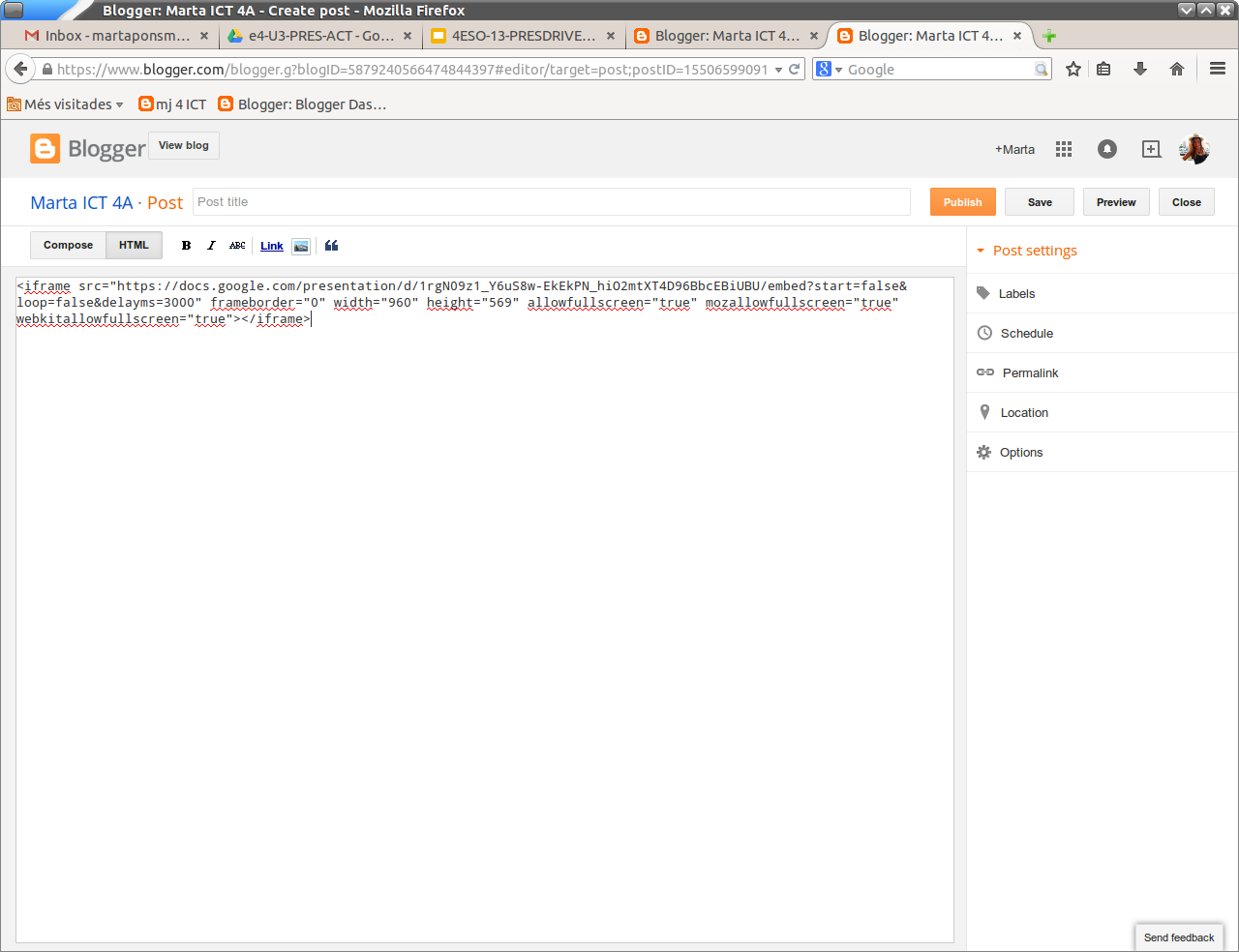
4.Go to Embed and copy the link.
5. Go to your blog, make a new post, enter to HTML and copy the link there.
Here you can see my own presentation made with Drive, I hope you like it!
XOXO
lunes, 12 de enero de 2015
viernes, 12 de diciembre de 2014
Merry Christmas!
Hello everyone! I'm glad to wish you a merry christmas and a happy new year with my own animated gif. I really hope you like it!
My best wishes for all of you, XOXO
miércoles, 26 de noviembre de 2014
Operating System!
Hi! In this post I'm going to talk about operating systems.
First, I'd like to give you a definition, so you can understand it better:
"An operating system (OS) is a set of programs that manage computer hardware resources and provide common services for application software. The operating system is the most important type of system software in a computer system. A user cannot run an application program on the computer without an operating system, unless the application program is self booting"
Now that you know what an operating system is it's interesting you know which operating systems are most used:
Most desktop or laptop PCs come pre-loaded with Microsoft Windows or Mac OS X. Many corporate servers use the Linux or UNIX operating systems.
Here you can see a pie chart with the most used operating systems in 2014 with percentages.
Finally, here it is a list of words related to operating systems and ICT. I think it's very useful, don't you?
First, I'd like to give you a definition, so you can understand it better:
"An operating system (OS) is a set of programs that manage computer hardware resources and provide common services for application software. The operating system is the most important type of system software in a computer system. A user cannot run an application program on the computer without an operating system, unless the application program is self booting"
Now that you know what an operating system is it's interesting you know which operating systems are most used:
Most desktop or laptop PCs come pre-loaded with Microsoft Windows or Mac OS X. Many corporate servers use the Linux or UNIX operating systems.
Here you can see a pie chart with the most used operating systems in 2014 with percentages.
Finally, here it is a list of words related to operating systems and ICT. I think it's very useful, don't you?
- Computer hardware
- Application software
- System Software
-Desktop
- Laptop
- Internet
- Cell phones
- Batch jobs
miércoles, 19 de noviembre de 2014
Where my information is!
Hello! Today I'm going to explain you which operating system I use in class and at home, and where are my documents in both places.
The operating system that I use in class is Lliurex and these documents are saved in the hard disk.
The operating system that I use at home is Microsoft Windows and the documents that I create are saved in the hard disk too.
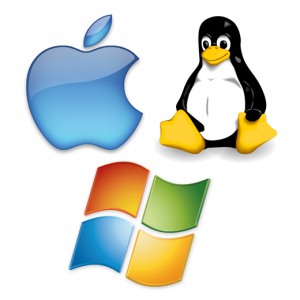
Here you can see a picture of some famous operating systems:
XOXO
lunes, 20 de octubre de 2014
How to change your blog!
Hi! In this post I'm going to explain you all the steps so that you can decorate your blog and also follow and subscribe to the teacher's blog.
I'd also like to explain you the difference between follow and subscribe, because it's very important:
- Following means that you want to get updates from that user/stream.
- Subscribing means you will start receiving, from this moment and directly in your computer, all the news that are published in this web page or blog, without need to visit the web page.
I hope you use this!
- Change settings in your blog: Overview>Settings (left)
- Subscribe to the teacher's blog: Enter in your teacher's blog>Subscribe by email (right)>Copy your email address
- Add gadgets on your blog: Overview>Layout (left)> Add a gadget> Add any gadgets you like
XOXO
lunes, 13 de octubre de 2014
Link to my teacher's blog!
Hello everyone! Here it is the link to my teacher's blog, where you can find good information about ICT, computer hardware...
I hope this is useful for you!
Link: http://mj4ict.blogspot.com.es/
XOXO
lunes, 29 de septiembre de 2014
Computer-Hardware Word Cloud!
Hello!!! In this post I'm going to show you my word cloud about computer hardware.
I really hope you like it!
XOXO
Suscribirse a:
Entradas (Atom)